Store name
Remember where you spent your money.
Store name, amount paid, category and payment date. Planora brings these four receipt details into your spending routine.
Store, amount, category and date are taken from the receipt.
Illustrative interface and sample data.Remember where you spent your money.
Keep track of the total amount paid.
See spending in meaningful groups.
Put the expense in its proper time context.
These tips help readability; the demo does not upload or process real receipts.
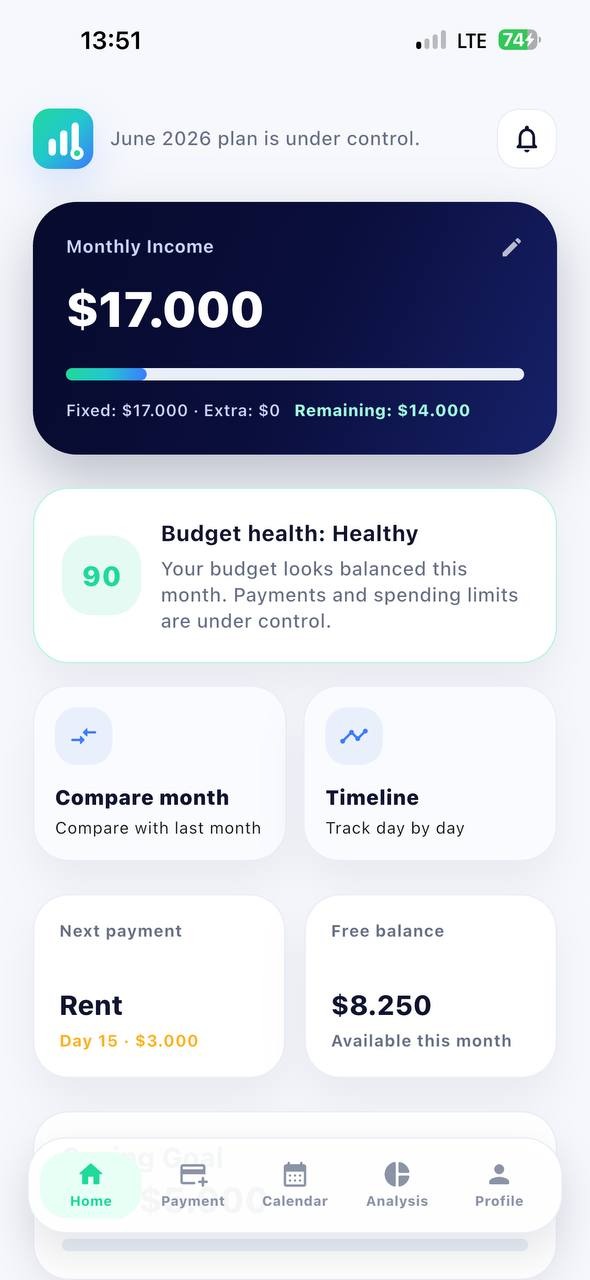
Store name, amount paid, category and payment date.
Make sure the full receipt is sharp and well lit. If the issue continues, contact support with your device and app version.
From receipt scanning to full monthly comparison, explore Planora step by step.